Customer
FPCUP
Function
Product & UI Designer
Tools
Figma . Adobe Creative Cloud
BikeWay App
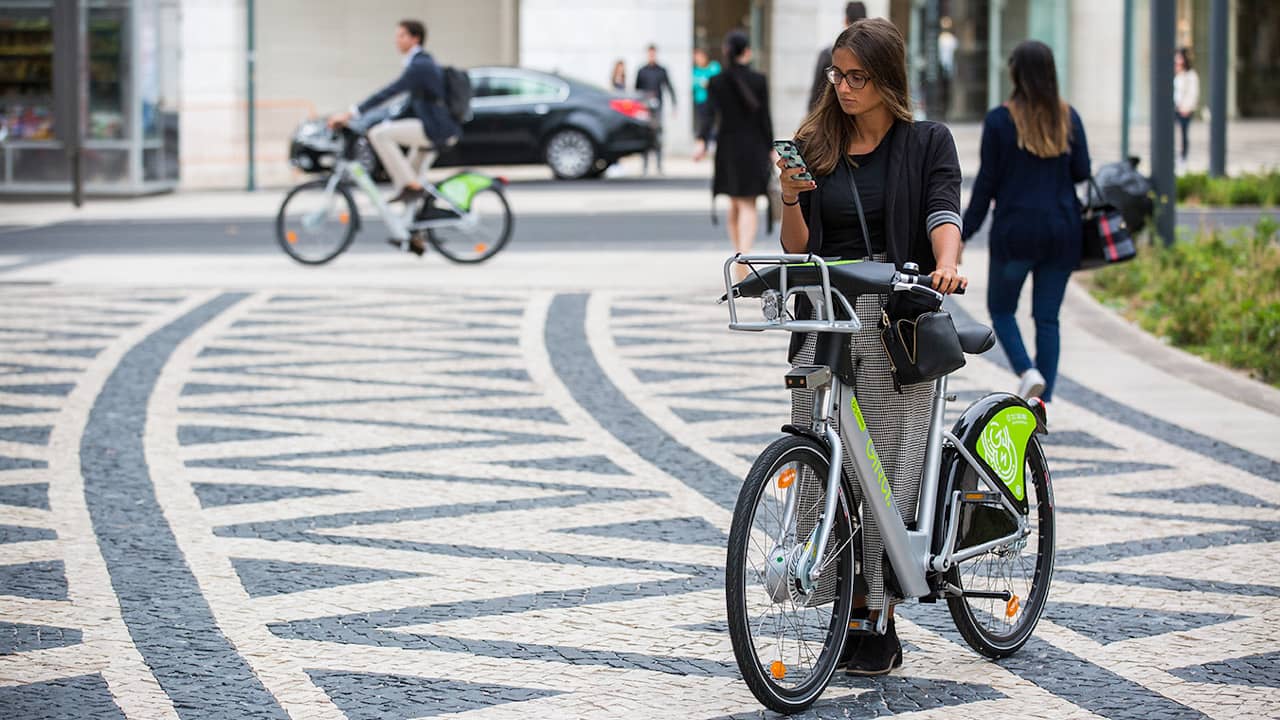
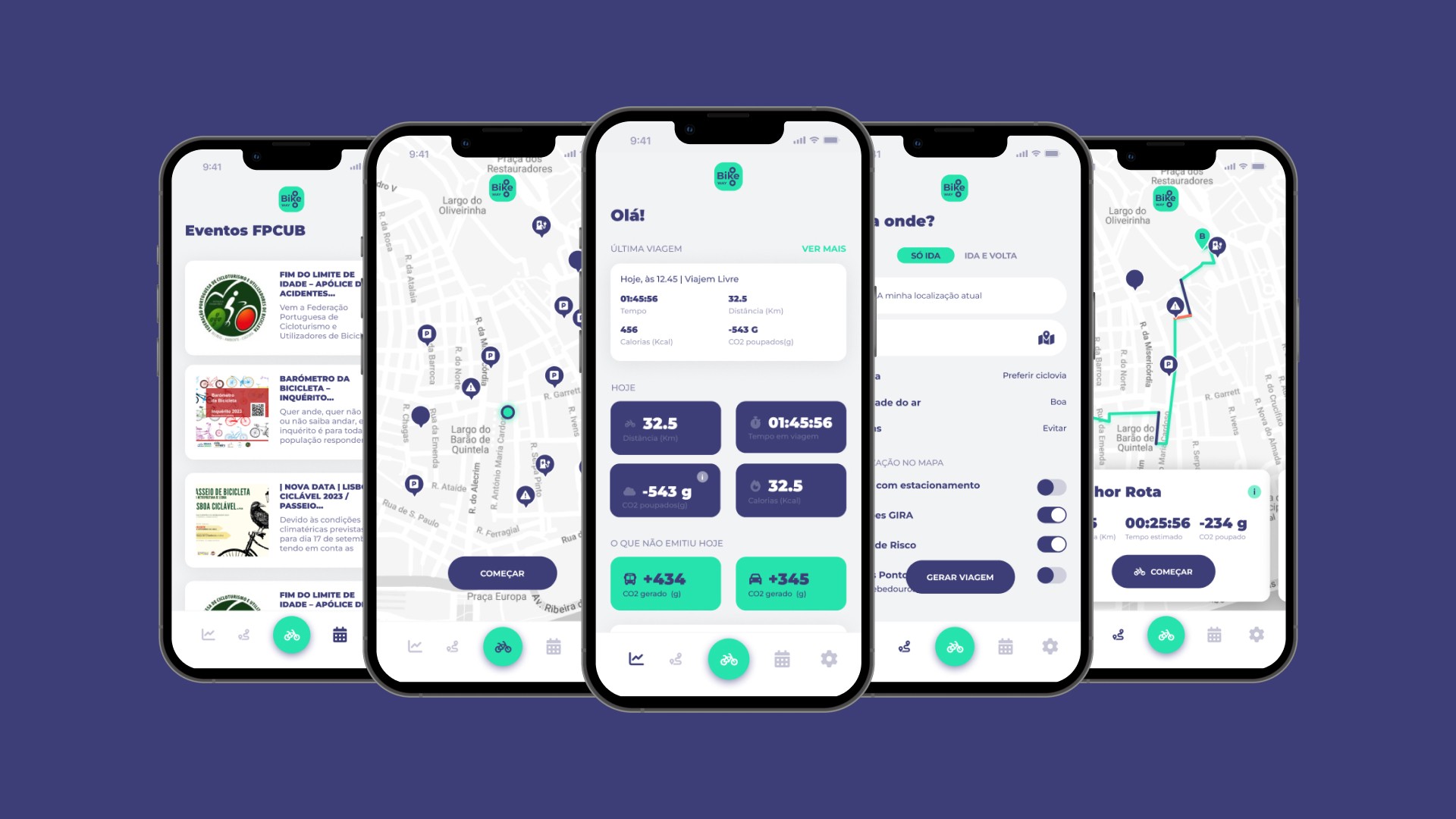
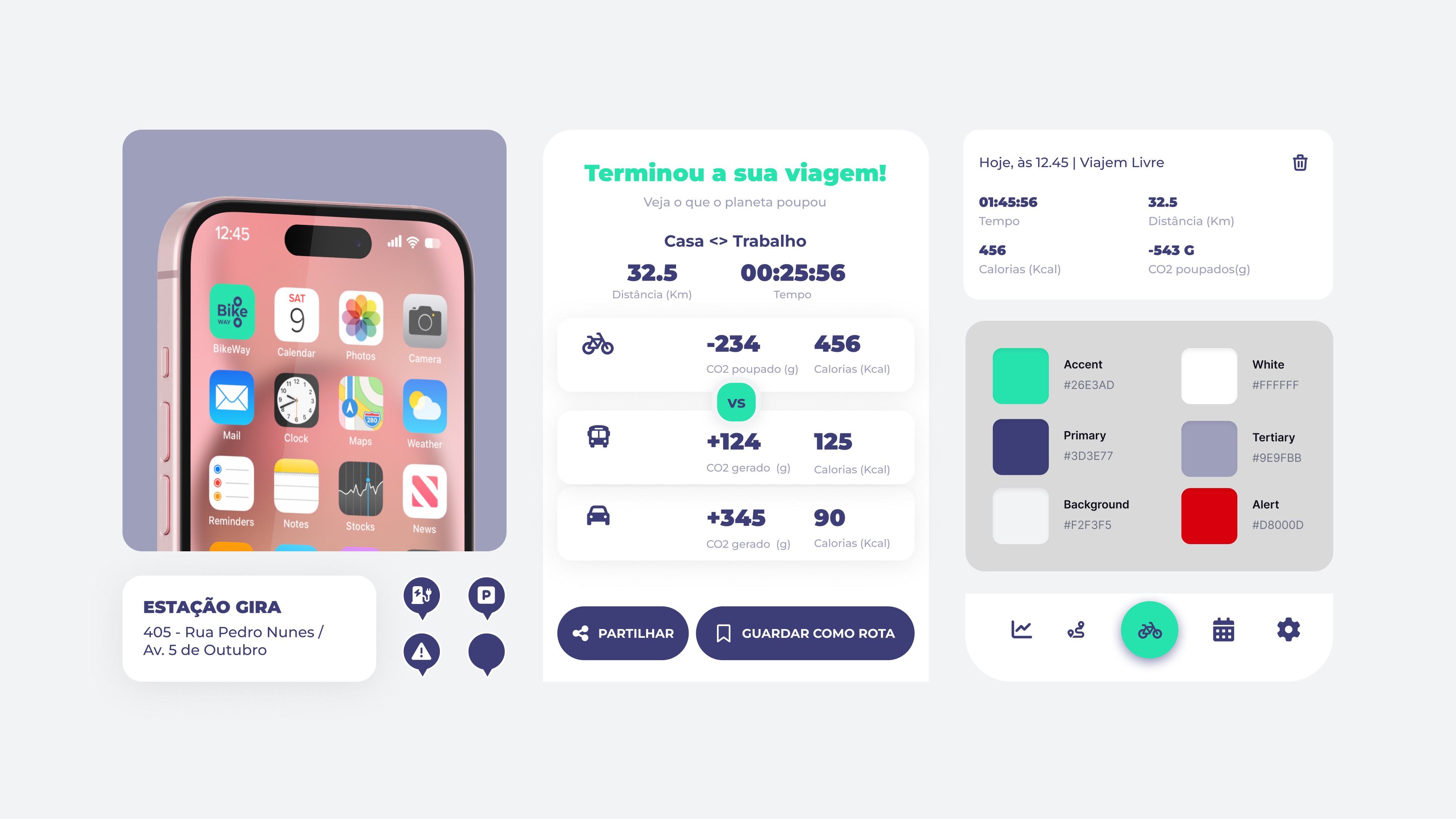
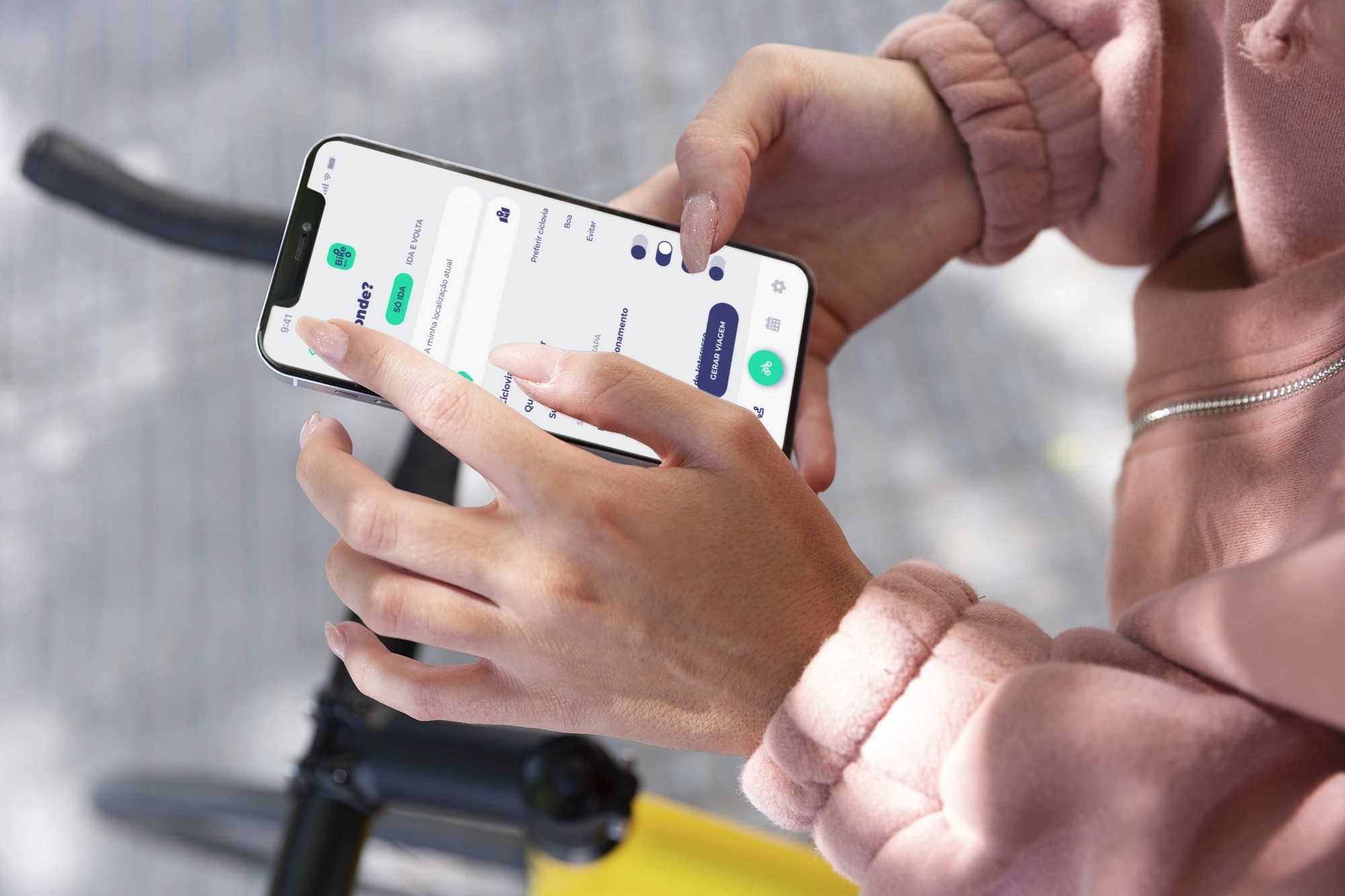
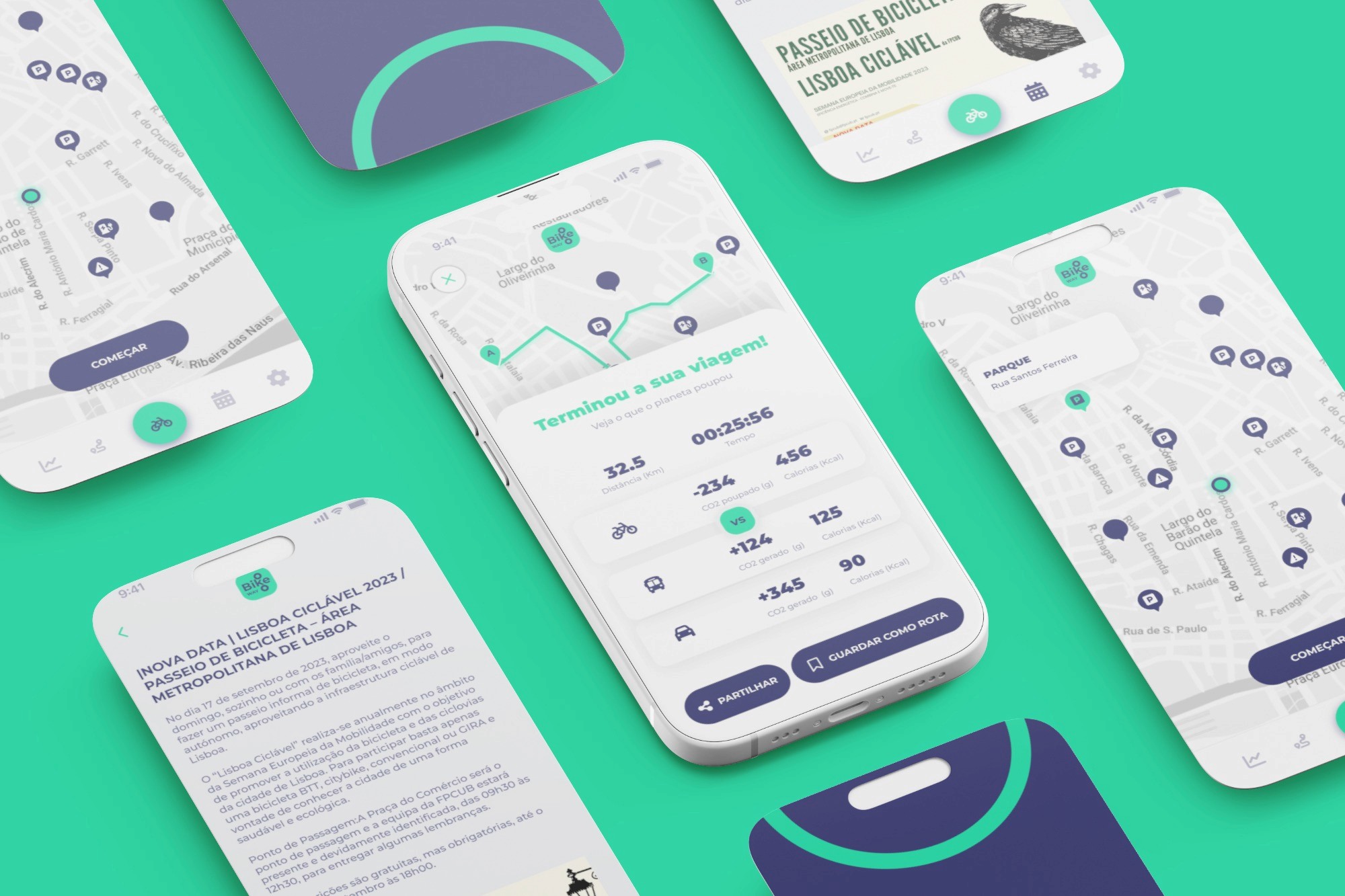
BikeWay is a mobile app concept focused on improving the urban cycling experience. It helps users find safer routes, understand cycling infrastructure, and plan trips with greater confidence, while simultaneously promoting more sustainable mobility.
My role in the project
In this project, I defined the product concept and the application structure: - I designed the main navigation flows - I organized the information architecture - I designed the interface with a focus on clarity and usability - I integrated the sustainability theme into the experience
Overview
BikeWay is a mobile application designed to support urban cycling in a safer, more accessible, and more sustainable way. The app allows users to explore bike lanes, discover points of interest, and plan routes tailored to their needs. Through the integration of information about infrastructure, route conditions, and user preferences, the experience becomes more informed and better adjusted to the real context of each journey.
Problem
Despite the growth in bicycle use in cities, there is still difficulty in finding safe and suitable routes. Many navigation tools do not consider cyclists’ specific needs, such as bike lanes, safety, or terrain type. This lack of clear and structured information can hinder the adoption of bicycles as a daily means of transportation.
Challenge
The goal of the project was to create an application that makes route planning easier and increases users’ confidence when cycling in the city. It also aimed to promote sustainable mobility by helping users make more informed decisions and choose alternatives to car transport.
Process
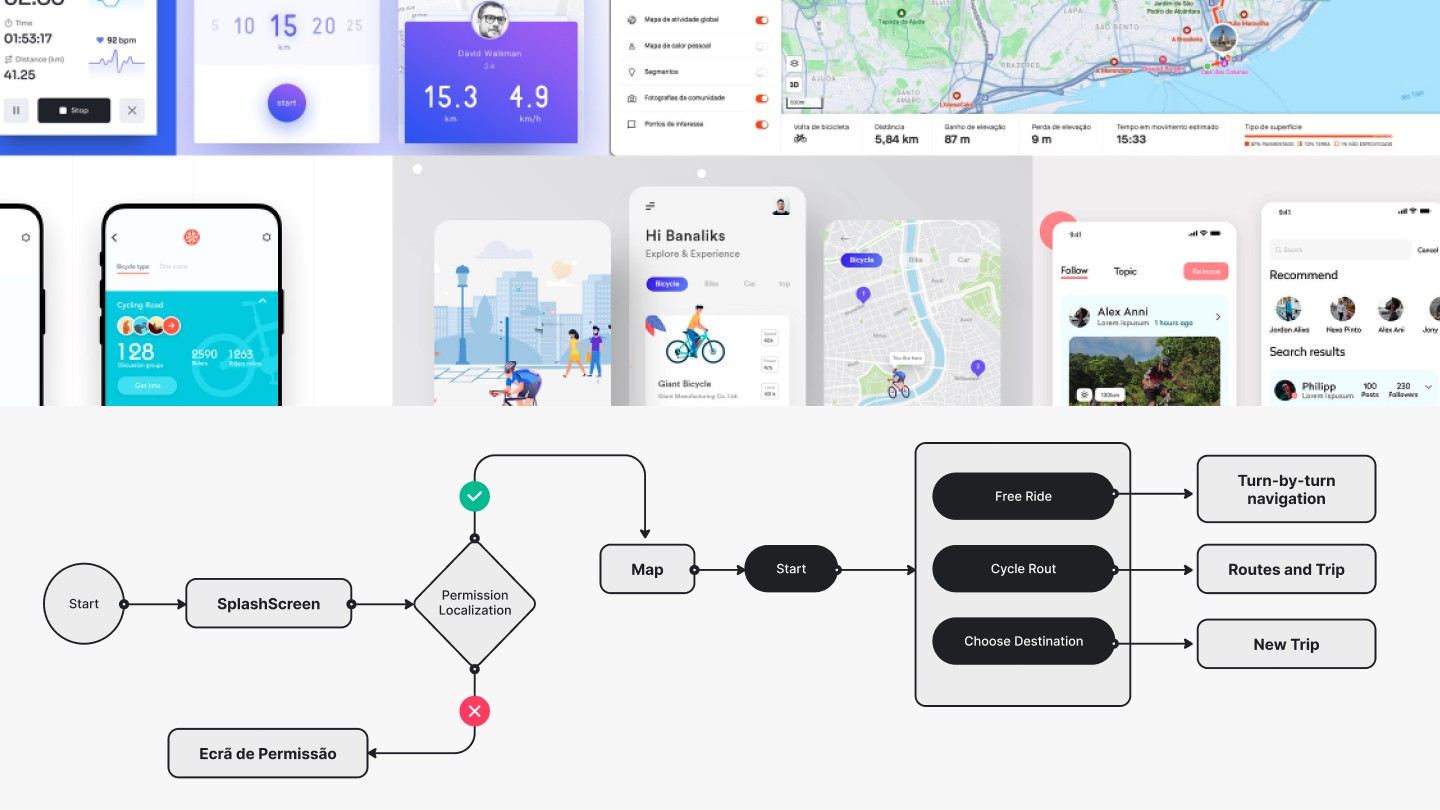
The process began with the analysis of existing mobility and navigation applications, in order to understand how information is presented to users.
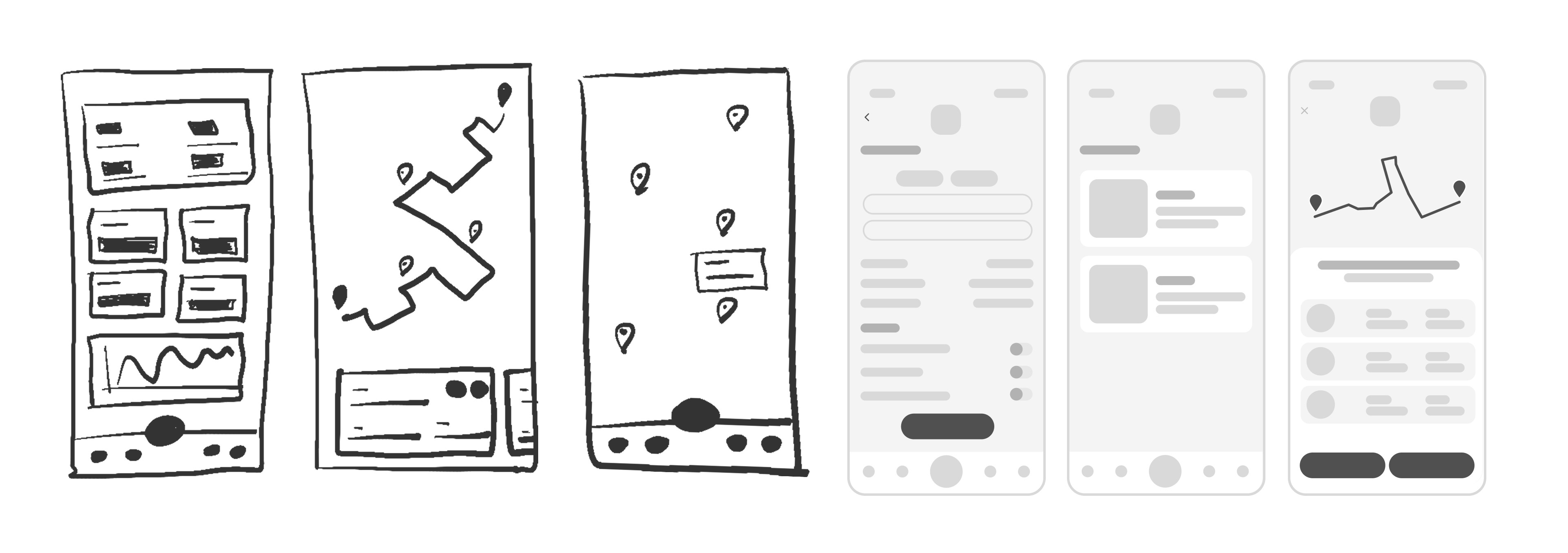
From there, the application structure and the main navigation flows were defined. Low- and medium-fidelity wireframes and prototypes were developed to test the organization of information and the main interactions before the visual design phase.
Impact & Learnings
This project reinforced the importance of designing solutions centered on the real context of use, where factors such as safety, clarity, and quick access to information are essential. It also made it possible to explore how digital design can contribute to behavior change, encouraging more sustainable choices in everyday life.